HiLight Studio open-source app unlocks Pixel 11 Pro LED controls
Developed by Dhananjay Bhosale, the open-source HiLight Studio utility bypasses Google's five-color stock restriction on the Pixel 11 Pro LED array at the cost of breaking native system prompts.
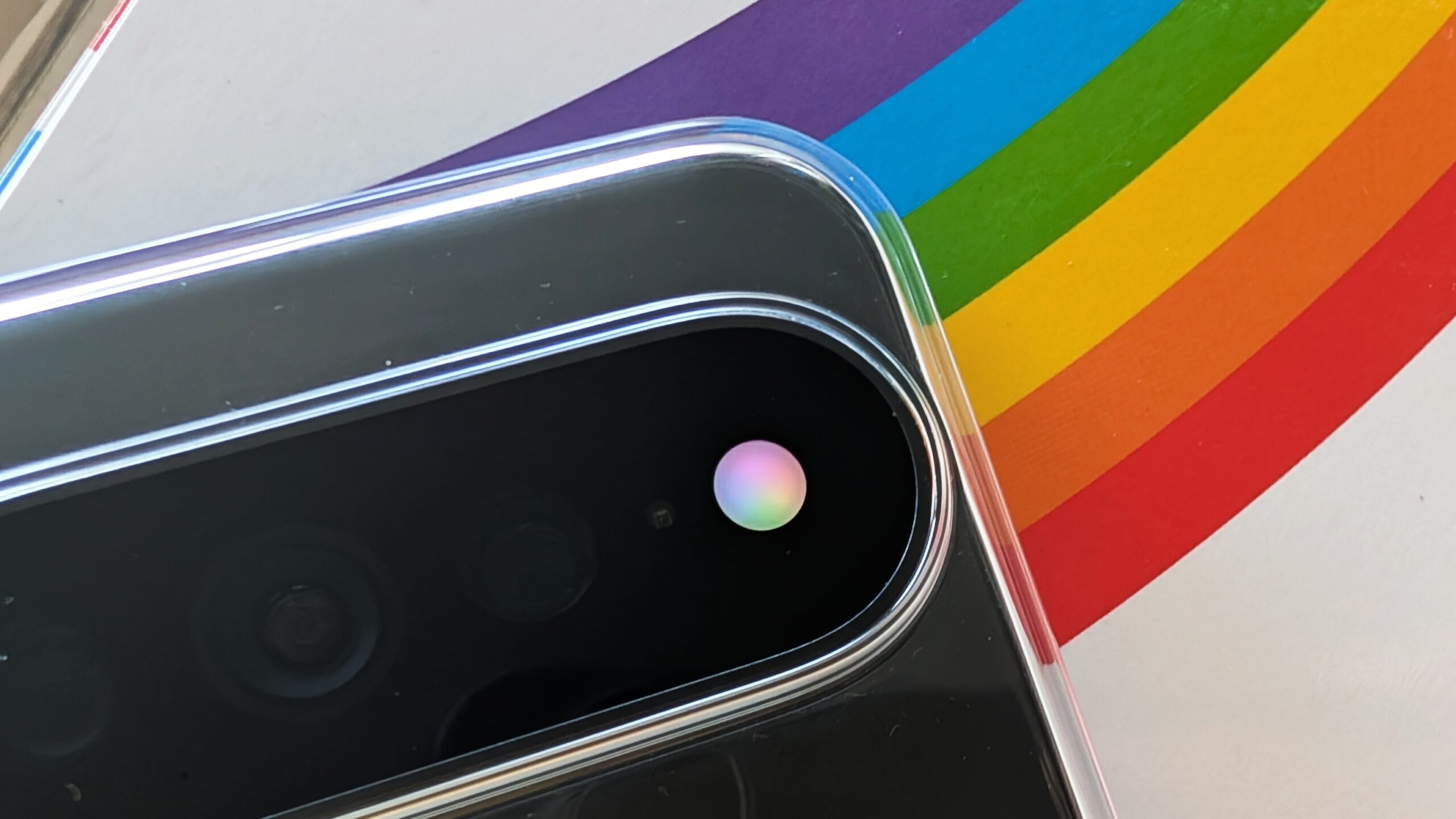
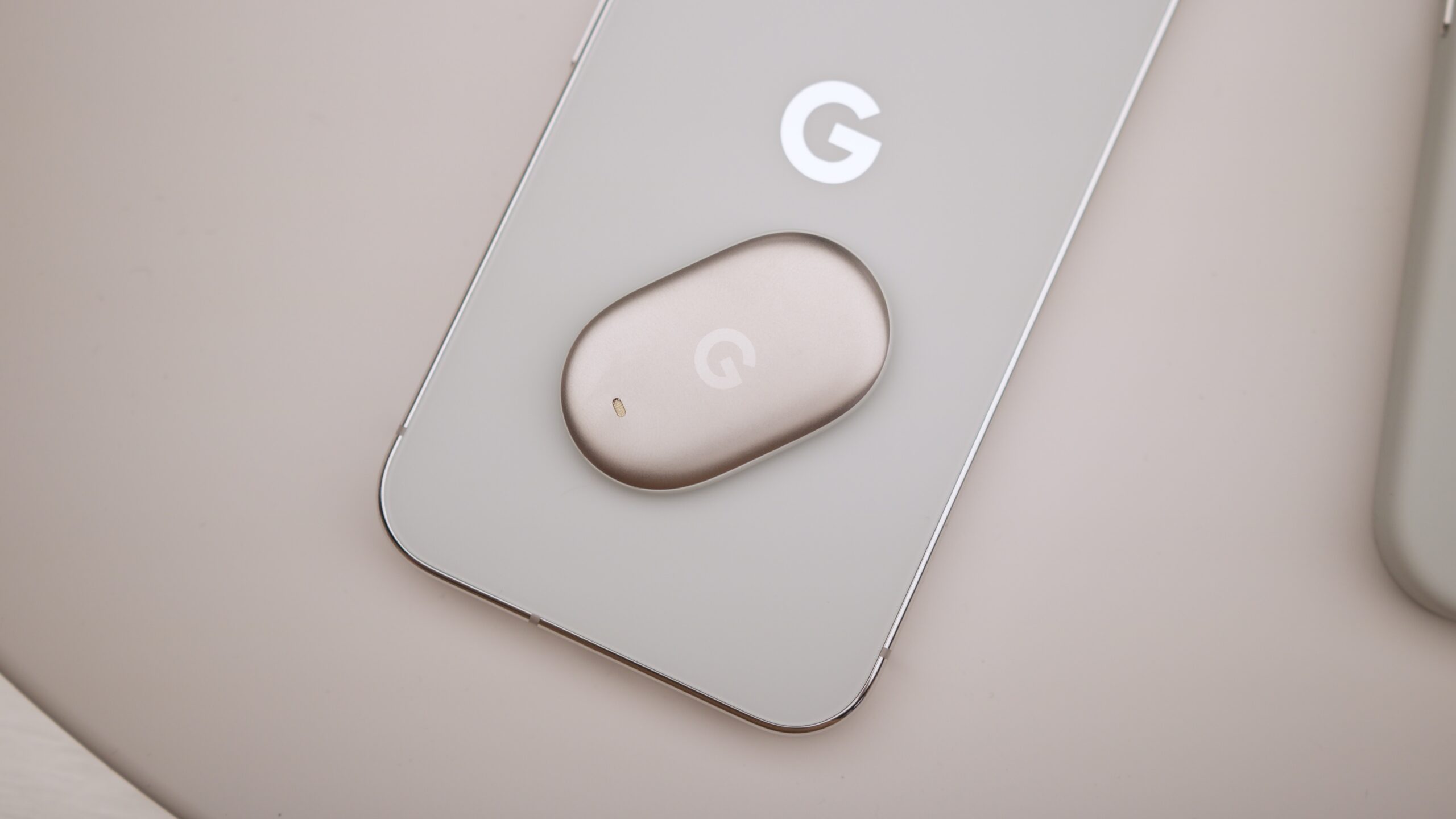
Google designed the Pixel 11 Pro series around a prominent new hardware feature embedded directly into the camera bar: a multi-colored LED array dubbed HiLight, which illuminates during Gemini voice interactions or when designated favorite contacts call. Out of the box, however, Google restricts the system to a handful of basic colors — teal, yellow, purple, pink, and white — leaving prominent reviewers such as Pickr to critique the feature as an uninspired, overly limited throwback to early-2000s notification lights. That stark mismatch between raw hardware potential and heavily locked-down stock software has now prompted the open-source community to intervene.
An open-source application called HiLight Studio, developed by YouTuber-turned-coder Dhananjay Bhosale, breaks past Google’s self-imposed boundaries to grant users deep customization over the Pixel 11 Pro's LED system, according to reporting by Android Authority. Yet unlocking that granular control introduces significant trade-offs, including complex sideloading hurdles and software conflicts that can actively break core phone functionality.
Related YouTube video
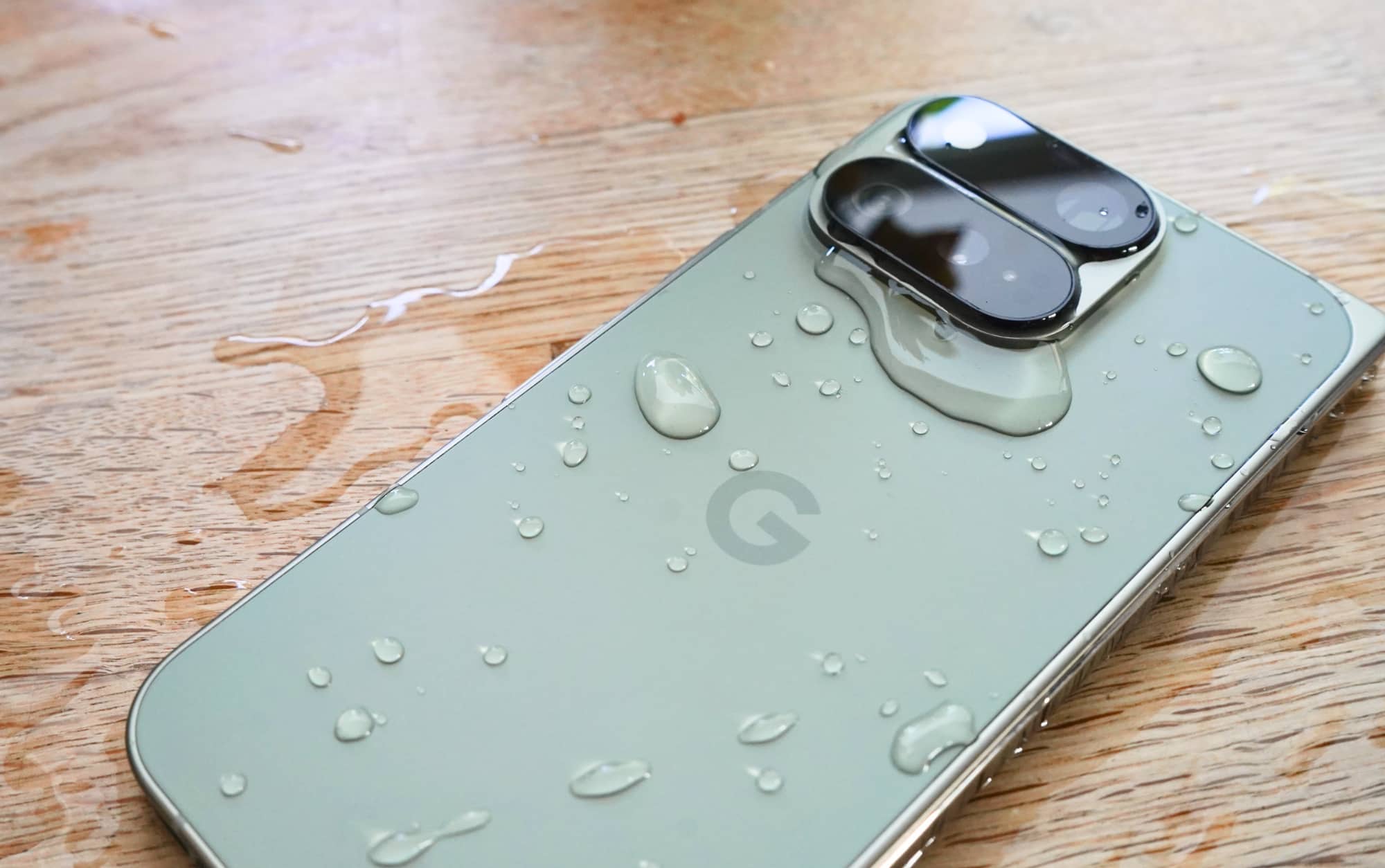


Where Google's stock implementation remains stubbornly confined to phone calls and voice assistant prompts, HiLight Studio expands activation triggers so the LED can fire whenever any installed app sends a notification, when an application is actively open, or both. Rather than forcing users to choose from a meager roster of five stock shades, the utility lets owners map custom colors to individual apps, extract color palettes directly from their phone's wallpaper for a cohesive aesthetic, and deploy multi-pattern lighting effects such as comet, pulse, breathe, wave, and rainbow. The app also integrates a Quick Settings toggle for fast activation, respects system-level Do Not Disturb parameters, supports custom quiet hours, and pauses its routines if battery levels dip below a user-defined threshold.
Because the camera-flash-based LED array was never engineered by Google to stay illuminated continuously for long stretches, Bhosale baked strict physical safety limits directly into the open-source code. The app automatically dims the LED array's brightness if it stays active for more than ten seconds at a time. Furthermore, if configured to light up while an application is open, the system switches off automatically after thirty seconds by default, though users can extend that duration to a maximum of five minutes by clicking through explicit warnings. Notification colors face a strict one-minute ceiling, and a global safety threshold prevents the LED from remaining active for more than five minutes within any ten-minute window.
Gaining access to these expanded controls requires navigating notable technical friction. Testing detailed by Android Authority revealed that while an ADB-driven setup command failed to function, setting up the required Shizuku bridge and granting necessary notification and usage permissions demanded substantial effort. Users must also bypass Google's native Play Protect warnings during the sideloading process on the Pixel 11 Pro, Pixel 11 Pro XL, or Pixel 11 Pro Fold.
More critically, real-world testing uncovered a severe software conflict. After installing and running HiLight Studio, testers observed that native system features completely stopped working: the phone's built-in LEDs failed to light up during Gemini conversations or when receiving calls from favorite contacts. Uninstalling the third-party app and restarting the device immediately restored native operations. Whether individual users are ultimately willing to risk disabling core system features for the sake of deeper LED customization remains the central unresolved dilemma of the experiment.
Unlocking the Customization Dilemma
According to reporting by Android Authority, the open-source HiLight Studio app was vibe-coded using artificial intelligence by YouTuber-turned-coder Dhananjay Bhosale, yet it underwent extensive testing on the developer's Pixel 11 Pro XL. Bhosale has provided assurances that the utility will remain completely open-source, ad-free, and subscription-free for the end user.
Users who choose to download the software from GitHub must contend with specific procedural steps. The setup process requires navigating Android's native Play Protect warnings before completing the installation, followed by bridging the application using Shizuku to retain core features after phone reboots. Beyond these sideloading hurdles, deploying the utility successfully depends on managing distinct functional permissions:
- Notification Access: Required specifically for enabling rules that trigger the LED array when an app sends a notification.
- Usage Access: Required to run rules while an application is actively open on the screen.
While the ADB-driven setup command failed during testing on the Android Authority team's devices, the app's internal Setup tab actively guides users through the required manual configurations.
The core tension of the experiment centers on whether deeper customization justifies the temporary loss of native functionality. As Android Authority noted, reverting the system to normal operation requires uninstalling the third-party application and restarting the device, leaving the next step dependent on whether individual users are willing to trade stock system reliability for enhanced LED control.
How significant is this development?
Contribute your assessment to the aggregated reader intelligence ledger.
Archypedia is dedicated to independent, evidence-backed reporting. This briefing was synthesized from primary source reporting, corroborated across independent newsrooms, and verified against our Editorial Standards.
Transparency record
Evidence behind this report
This report synthesizes 5 distinct sources. Open the source ledger below to compare the underlying coverage.
Prepared under the Archypedia Editorial Policy by the Niko Vale editorial desk profile. AI-assisted tools may support drafting and verification; public accountability remains with Archypedia. Report an error.