Microsoft updates Windows with Secure Boot status indicator
Microsoft updates Windows with Secure Boot status indicator

Microsoft has introduced a new feature in its latest Windows update, which indicates the status of Secure Boot on a user's computer. This update is crucial as it informs users whether their device is protected with the latest Secure Boot certificates or if it still uses an older version that will soon expire.
Secure Boot is a security feature that defends Windows PCs against dangerous bootkit malware by verifying the cryptographic signature of the software trying to load before Windows starts. The certificates that back this system, originally issued in 2011, are approaching expiration, and Microsoft is replacing them with new 2023-dated certificates.
Related media

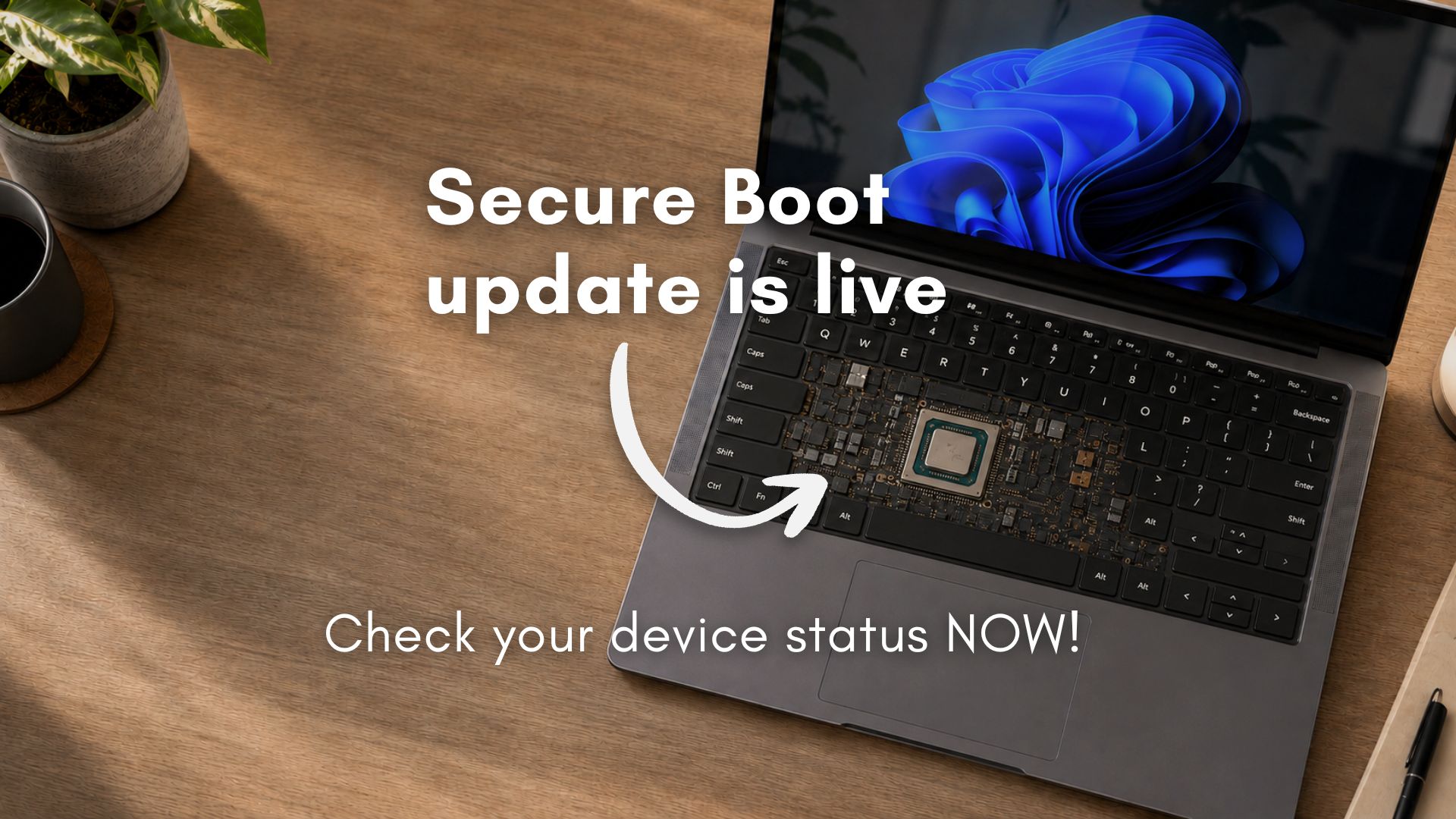

According to Zdnet, the new visual clue and description will tell users whether they're protected with the latest certificates or still at risk. The Secure Boot icon will appear in one of three colors: green, yellow, or red. A green icon means the device is protected with no recommended actions, a yellow icon indicates a safety recommendation is awaiting the user, and a red icon indicates that something needs immediate attention.
As explained on Microsoft's support website, the Windows Security app will display an icon in the system tray that reflects the overall security status of the device. The app will also show whether the device has received the updated certificates and what the current Secure Boot status is.
Malwarebytes notes that the Secure Boot certificate refresh is rolling out across supported Windows devices through Windows Update. If a user keeps their PC updated, they probably won’t need to do anything. However, some older devices may not transition cleanly, and the PC won’t suddenly stop working, but over time, it could miss important boot-level security protections without the user realizing it.
The Windows Latest website reports that Microsoft released the Windows 11 Secure Boot update for all PCs, and users can verify their status by checking the Windows Security app. A green checkmark means the PC is fully updated, and no further action is needed.
Secure Boot is a UEFI firmware feature built into virtually every PC sold since around 2012. It runs before Windows even starts loading, and its job is to verify that the boot loader and early boot components have been signed by a trusted party. If something tries to insert itself into the boot chain that isn’t on the trust list—a bootkit, for example—Secure Boot refuses to let it run.
Microsoft is replacing the current certificates with a 2023-dated set, including Windows UEFI CA 2023 and Microsoft Corporation KEK 2K CA 2023. According to Microsoft engineers speaking during a March 2026 AMA session, the new certificates are valid until 2038, and a separate post-quantum cryptography transition is planned for around 2030 for future hardware.
For most home users, nothing needs to be done manually. The Secure Boot 2023 certificates are being delivered through Windows Update, and if your device qualifies and Windows Update is not paused, the update happens in the background. However, you should still verify your status. Since the April 2026 update, Windows 11 shows your Secure Boot certificate status directly inside the Windows Security app.
A green checkmark means your PC is fully updated, and no further action is needed. A yellow warning usually means Windows is waiting to apply the certificate update, because it needs more compatibility data about your specific device firmware. In most cases, all you need to do is keep Windows Update running and wait.
A red alert is less common and is a more serious issue, usually a firmware incompatibility that requires your PC manufacturer to release a BIOS/UEFI update. If you see a red icon, check your manufacturer’s support page for a BIOS update and install it. After applying the firmware update, Windows will retry the certificate update on its own.
Users can check Microsoft’s central resource for all things about Secure Boot, including documentation, scripts, OEM firmware links, Intune guidance, troubleshooting, and known issues, at aka.ms/GetSecureBoot.
Users should keep their systems updated and verify Secure Boot status before the deadlines arrive. They should also check their manufacturer's support page for BIOS updates and install them if necessary.
How significant is this development?
Contribute your assessment to the aggregated reader intelligence ledger.
Archypedia is dedicated to independent, evidence-backed reporting. This briefing was synthesized from primary source reporting, corroborated across independent newsrooms, and verified against our Editorial Standards.
Transparency record
Evidence behind this report
This report synthesizes 8 distinct sources. Open the source ledger below to compare the underlying coverage.
- windowslatest.com
- zdnet.com
- support.microsoft.com
- malwarebytes.com
- learn.microsoft.com
- pcworld.com
- woshub.com
- forbes.com
Prepared under the Archypedia Editorial Policy by the Mara Ionescu editorial desk profile. AI-assisted tools may support drafting and verification; public accountability remains with Archypedia. Report an error.