CrashStealer malware impersonates Apple tools to steal keychain data
CrashStealer is a sophisticated macOS threat that uses notarized installers to bypass security and deceive users into revealing administrative credentials. The malware targets sensitive data, including password manager information and private cryptographic keys.
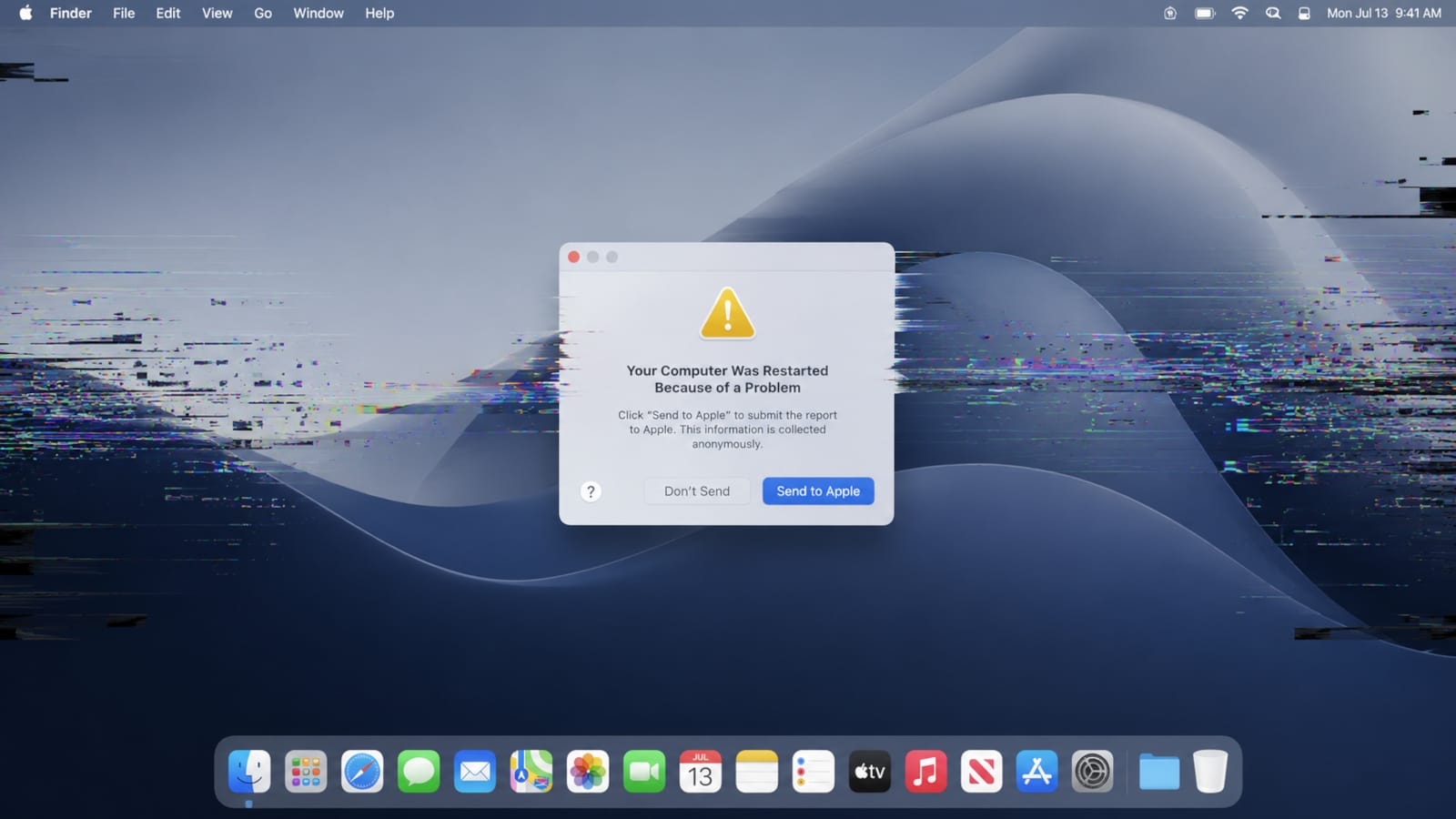
A sophisticated new threat known as CrashStealer has emerged in the technology sector, specifically targeting macOS users by masquerading as a native Apple system component. Identified by researchers at Jamf Threat Labs, the malware is notable for its ability to deceive users into providing administrative credentials, which it then uses to compromise encrypted keychain data, browser secrets, and cryptocurrency wallets. While the campaign was initially observed in development during May, researchers confirmed its transition to active use by early July.
Mechanism of Deception
The malware gains trust by mimicking the appearance of Apple’s built-in crash-reporting utility. According to reports from Bleepingcomputer, the malicious binary adopts the name CrashReporter.app
and utilizes the official icon and metadata associated with the genuine Apple tool. To further entrench itself, the malware installs a LaunchAgent titled com.apple.crashreporter.helper
to maintain persistence on the host machine.
Related media



The delivery chain relies on a disk image disguised as a meeting application called Werkbit Setup.
As noted by Infosecurity Magazine, this dropper carries a legitimate Apple developer ID and a notarization ticket. These credentials allow the installer to bypass Gatekeeper—the macOS security feature designed to prevent the execution of unauthorized software—without triggering system warnings.
"CrashStealer’s delivery chain shows real care: rather than a bare, unsigned lure, the operators front the attack with a signed and notarized dropper that clears Gatekeeper before quietly fetching, re-signing and launching the payload."
Thijs Xhaflaire, senior threat and detections researcher at Jamf Threat Labs, via Infosecurity Magazine
Data Exfiltration and Technical Sophistication
Once the initial dropper is executed, the malware fetches the primary payload and displays a fraudulent macOS password prompt. By soliciting administrator privileges under the guise of a system operation, the malware gains the authorization necessary to unlock the user’s keychain. This vault typically contains sensitive items, including Wi-Fi credentials, application passwords, and private cryptographic keys.
The scope of the data theft is extensive. According to Forbes, the malware targets:
- Credentials stored in Chrome and Firefox browsers.
- Data from 14 distinct password managers.
- Over 80 cryptocurrency wallet extensions.
- Sensitive files located within the Documents and Downloads directories.
Security researchers highlight that CrashStealer’s construction is distinct from other common infostealers. As Macworld reports, the malware employs client-side AES-GCM encryption
for the files it gathers, an unusually robust method for this type of threat. Furthermore, it incorporates analysis-resistance techniques such as encrypted strings, layered anti-debugging, and control-flow flattening.
Response and Mitigation
Following the disclosure of the campaign by Jamf Threat Labs, Apple has revoked the developer credentials associated with the malicious Werkbit application. This action serves to neutralize the specific notarization ticket used to bypass Gatekeeper in this campaign. However, experts emphasize that users should remain vigilant regarding the source of their software downloads.
Piyush Sharma, CEO of the security platform Tuskira, suggests that the threat extends beyond simple malware concerns, framing it as an identity and access management crisis. By impersonating a trusted Apple crash-reporting flow, the malware is designed to get users to hand over the credentials, keychain data, and session material attackers need to move beyond the endpoint,
Sharma stated via Forbes.
What to Watch Next
While the immediate threat posed by the Werkbit installer has been mitigated through credential revocation, the underlying techniques remain a concern for security professionals. Users and organizations are encouraged to observe the following practices:
- Verify Sources: Only utilize the official Mac App Store for software, avoiding links found in emails, social media, or unofficial websites.
- Exercise Caution with Prompts: Be skeptical of unexpected system password prompts, even those that mimic official Apple design language.
- Validate Identity Reach: Organizations should test how their systems would behave if an endpoint credential is compromised, specifically identifying which cloud roles and code repositories could be accessed.
- Check for Artifacts: Security teams should monitor environments for filesystem artifacts and indicators of compromise detailed in the Jamf Threat Labs report to ensure no unauthorized persistence remains.
How significant is this development?
Contribute your assessment to the aggregated reader intelligence ledger.
Archypedia is dedicated to independent, evidence-backed reporting. This briefing was synthesized from primary source reporting, corroborated across independent newsrooms, and verified against our Editorial Standards.
Transparency record
Evidence behind this report
This report synthesizes 4 distinct sources. Open the source ledger below to compare the underlying coverage.
Prepared under the Archypedia Editorial Policy by the Niko Vale editorial desk profile. AI-assisted tools may support drafting and verification; public accountability remains with Archypedia. Report an error.