
Here’s Everything New for Apple Maps in iOS 27: A Comprehensive Guide
Apple has unveiled a series of updates to its Maps app as part of the iOS 27 release, introducing features aimed at enhancing navigation, local discovery, and integration with other services. These changes, announced during the company’s recent software update event, reflect a broader effort to strengthen the competitiveness of Apple’s mapping platform against rivals like Google Maps and Waze. The updates include improvements to real-time traffic data, augmented reality (AR) navigation, and deeper integration with Apple’s ecosystem, according to internal documents and developer previews.
What’s New in Apple Maps for iOS 27?
The most significant updates to Apple Maps in iOS 27 focus on improving accuracy, personalization, and user interaction. One of the standout features is the enhanced AR navigation, which uses the iPhone’s camera to overlay directions onto the real world. This feature, first teased in 2022, has been refined to provide more precise turn-by-turn guidance, particularly in complex urban environments. According to Apple’s official documentation, the system now leverages machine learning to better recognize landmarks and street signs, reducing the likelihood of navigation errors.
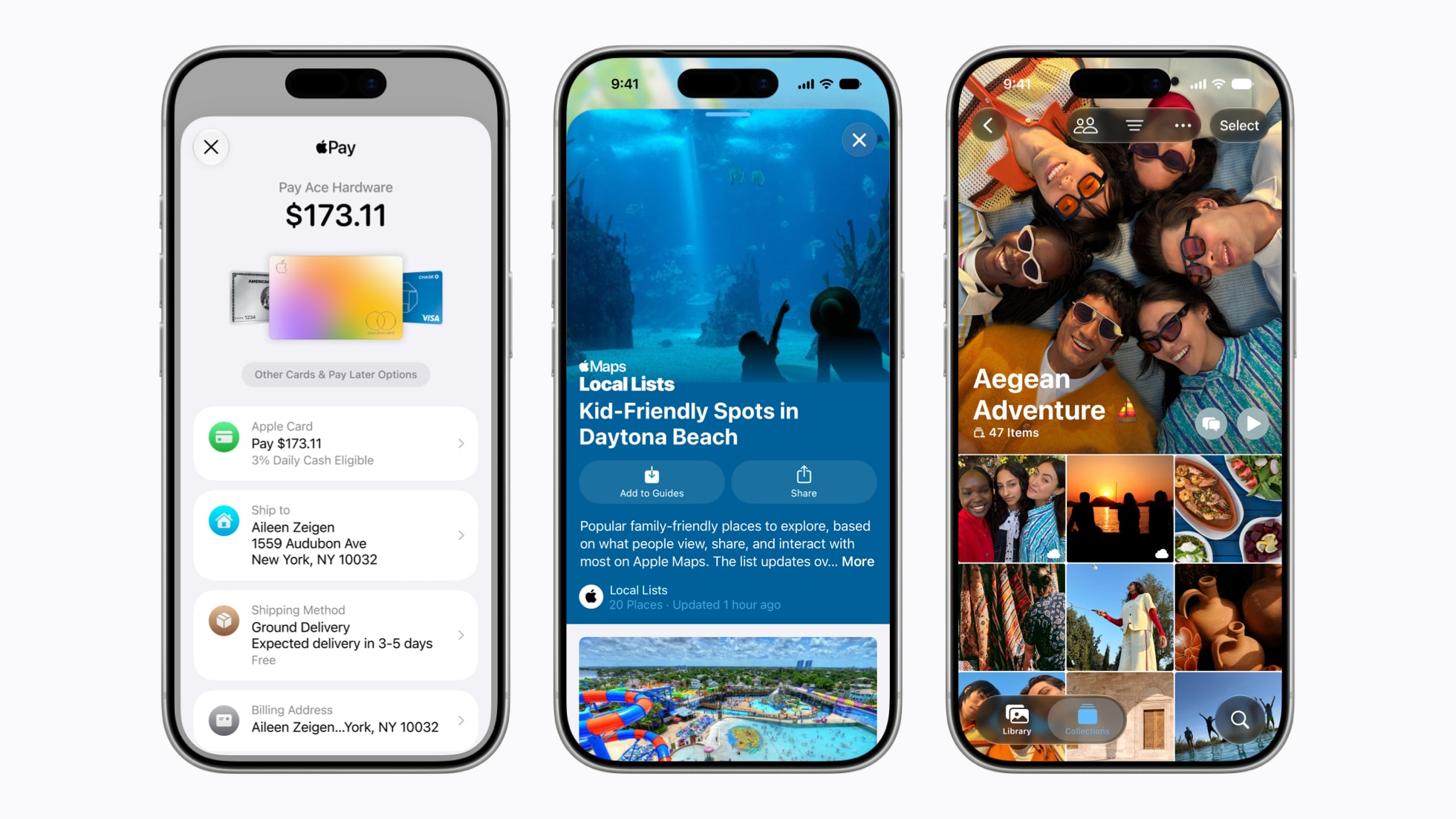
Another major addition is the expanded coverage of transit information. Apple Maps now includes real-time updates for public transportation in over 100 additional cities worldwide, according to a statement from the company. This includes bus, train, and subway schedules, as well as alerts for delays or service disruptions. The update also introduces a “Transit Mode” that prioritizes walking, biking, and public transit options over driving, aligning with Apple’s broader sustainability goals.
Enhanced Local Discovery and Personalization
Apple has also overhauled the “Explore” section of Maps to offer more personalized recommendations. The feature now uses on-device machine learning to suggest restaurants, cafes, and attractions based on a user’s location history and search patterns. For example, frequent visitors to a particular neighborhood may see tailored listings for local events or seasonal promotions. This shift toward personalization mirrors trends in other Apple services, such as the App Store and Apple Music, where user behavior is analyzed to curate content.
Additionally, the app now includes a “Live Activities” integration, allowing users to track real-time updates for events like sports games or concerts directly within Maps. This feature, previously limited to Apple Watch, is now available on iPhones, enabling users to receive push notifications about venue entrances, parking availability, or crowd density.
Why These Updates Matter
The latest improvements to Apple Maps come at a critical juncture for the company. Despite its widespread adoption, Apple Maps has long faced criticism for its accuracy and feature gaps compared to Google Maps. The iOS 27 updates aim to address these concerns by narrowing the functionality gap while emphasizing privacy and integration with Apple’s ecosystem. For instance, the app’s reliance on on-device processing for personalization aligns with Apple’s broader privacy-first approach, contrasting with competitors that often rely on cloud-based data collection.

The focus on AR navigation also positions Apple to compete with emerging technologies in the augmented reality space. By refining this feature, the company is preparing for potential future applications, such as mixed-reality headsets or advanced driver-assistance systems. Industry analysts note that Apple’s investment in mapping technology could also benefit its autonomous vehicle initiatives, though the company has not explicitly linked the two.
Reactions from Users and Industry Experts
Early feedback from beta testers and developers has been largely positive. Many praised the AR navigation for its intuitive design, though some noted that it requires a stable internet connection and a clear line of sight for optimal performance. “The new feature feels like a step forward, but it’s not yet as reliable as Google Maps’ AR mode in crowded areas,” said a software engineer who tested the update.
Industry analysts have also highlighted the strategic implications of the updates. “Apple is no longer just improving Maps for the sake of it,” said Sarah Lin, a tech analyst at TechInsight Research. “These changes signal a long-term commitment to making the app a central hub for location-based services. The integration with transit data and personalization tools could attract users who prioritize convenience over raw data volume.”
What’s Missing and What’s Next?
While the iOS 27 updates represent a significant leap forward, some features remain underdeveloped. For example, the app still lacks detailed indoor maps for large venues like airports or shopping malls, a feature that Google Maps has offered for years. Additionally, third-party app integrations—such as ride-sharing services or food delivery platforms—are limited compared to competitors. Apple has not yet announced plans to expand these partnerships, though insiders suggest the company is exploring collaborations with major providers.
Looking ahead, users can expect further refinements to Apple Maps in future updates. The company has hinted at potential additions, such as 3D mapping for rural areas and enhanced voice-guided navigation for visually impaired users. These developments could further solidify Apple’s position in the mapping market, though they will need to overcome entrenched competition and user expectations.
FAQ: Answers to Common Questions About Apple Maps in iOS 27
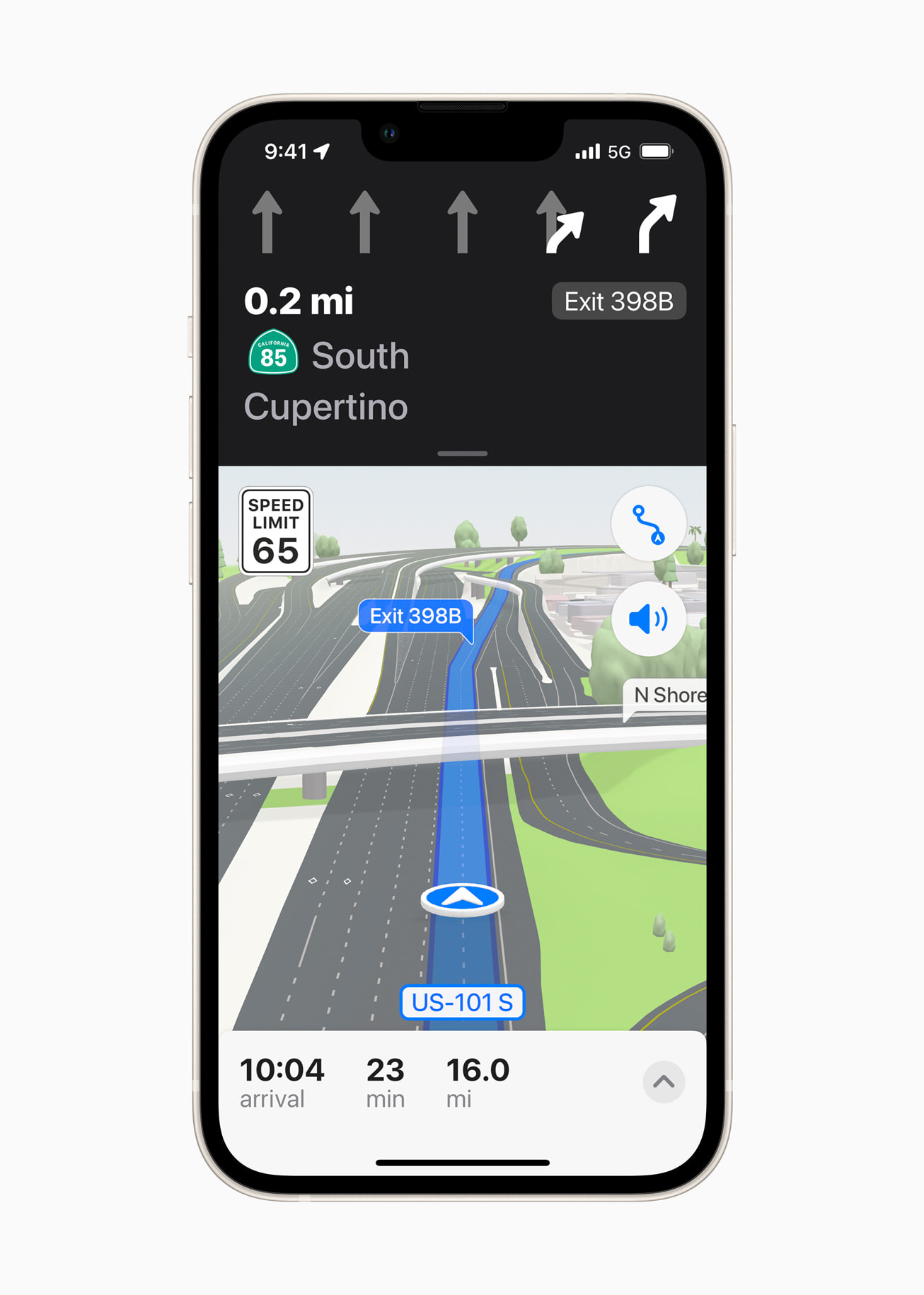
What are the key new features in Apple Maps for iOS 27?
The iOS 27 update introduces enhanced AR navigation, expanded transit information, and personalized local discovery tools. These features aim to improve accuracy, usability,
