
How a Bluetooth Device Name Triggered a Transatlantic Flight Diversion—and What It Reveals About Airport Security
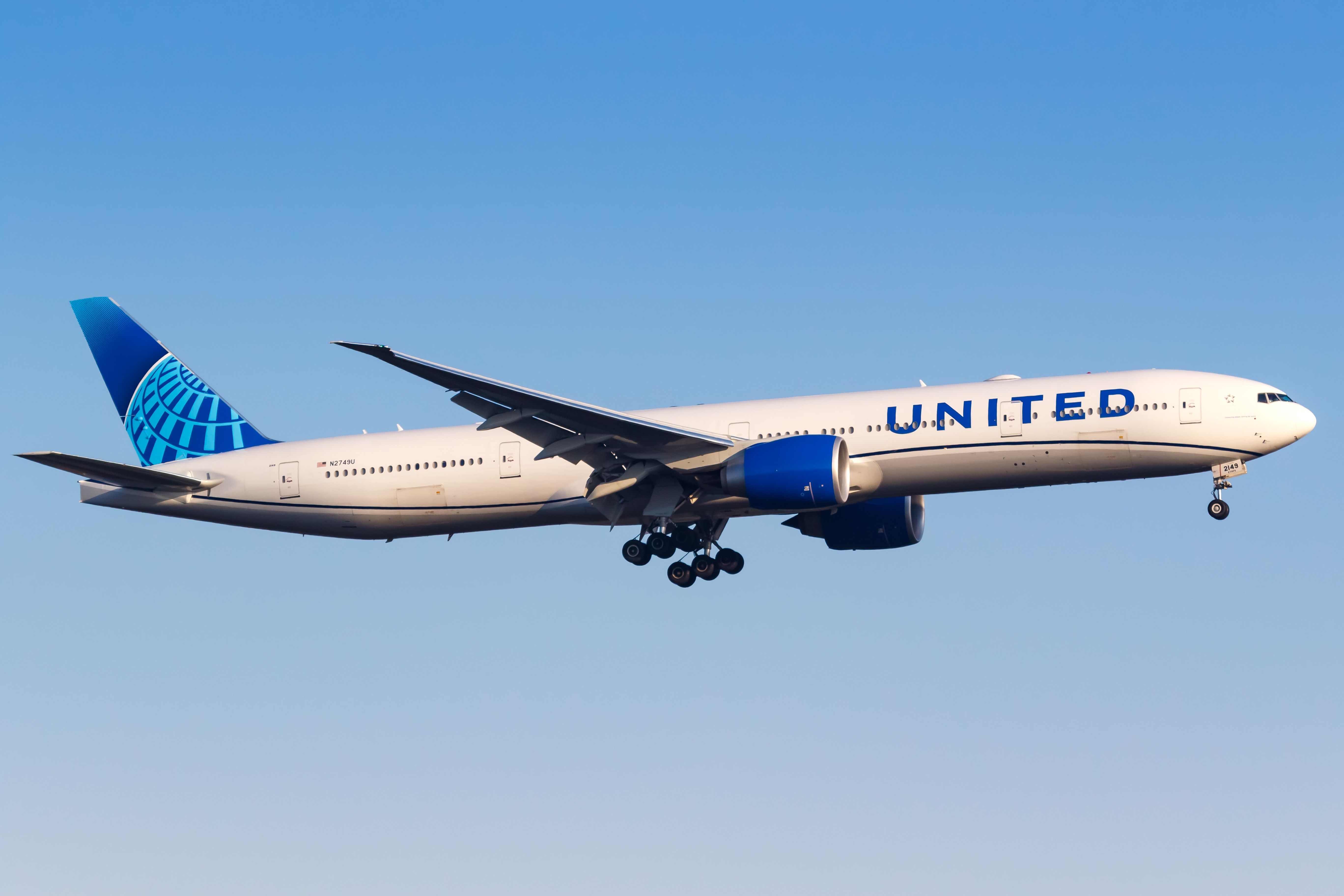
A routine transatlantic journey turned into an unexpected security drill when a commercial flight bound for Spain was ordered to return to Newark Liberty International Airport after a passenger’s Bluetooth device name allegedly raised concerns. The incident, which unfolded mid-flight on a major U.S. Carrier, has sparked questions about how modern technology intersects with aviation security protocols—and whether such measures are necessary in an era of heightened vigilance.
While the airline and aviation authorities have not confirmed the exact nature of the device name or the specific security protocol that prompted the diversion, the episode underscores a growing trend: how everyday tech, from smartphones to wearables, can inadvertently trigger security alerts. Experts say such incidents, though rare, highlight the delicate balance between privacy and safety in an industry where even minor oversights can have significant consequences.
This is not the first time a passenger’s personal device has played a role in a flight diversion, but the circumstances of this case—particularly the role of Bluetooth technology—offer a fresh perspective on how security systems are evolving. Below, we break down what happened, why it matters, and what the broader implications might be for travelers and aviation security.
—
What Happened: The Flight That Never Made It to Madrid
On a recent evening, a commercial aircraft operated by one of the world’s largest airlines was en route from Newark Liberty International Airport (EWR) to Madrid-Barajas Airport (MAD) when air traffic control issued an unusual directive: the plane was ordered to return to its origin. According to multiple reports, the decision came after a Bluetooth-enabled device on board—likely a smartphone, tablet, or smartwatch—was detected with a name or identifier that triggered an automated security alert.
The exact details remain scarce, but sources familiar with the matter suggest the device’s name may have contained keywords or phrases that resembled restricted terminology, such as those associated with explosives, hazardous materials, or other prohibited items. While Bluetooth itself is not inherently dangerous, the technology’s role in this incident raises questions about how airlines and airports screen for potential threats in an increasingly connected world.
Key details of the incident:
- Airline: A major U.S. Carrier (name withheld pending official confirmation).
- Route: Newark (EWR) to Madrid (MAD).
- Time of diversion: Mid-flight, after takeoff but before crossing the Atlantic.
- Trigger: Bluetooth device name flagged by security protocols.
- Outcome: Flight returned to Newark; no passengers or crew were harmed.
The airline has not disclosed whether the device was confiscated, inspected, or returned to its owner. Passengers on board reportedly received no immediate explanation for the diversion, though some described the experience as confusing and frustrating. One traveler, speaking anonymously, described the announcement over the intercom as vague, with crew members advising everyone to remain seated while authorities assessed the situation.
Airport and aviation security officials have not provided a public statement, but industry insiders suggest the incident may have involved a misinterpretation of the device’s name—perhaps a typo, a misconfigured setting, or an unintentional match to a restricted term. Such false positives, while rare, are not unheard of in security systems that rely on automated scanning.
—
Why This Matters: The Intersection of Tech and Aviation Security
The diversion of this flight is a microcosm of a larger challenge facing aviation security: how to balance stringent safety measures with the realities of modern travel, where passengers carry an array of personal devices. Bluetooth, Wi-Fi, and other wireless technologies are ubiquitous, yet their integration into security protocols presents new risks—and new vulnerabilities.
Here’s why this incident stands out:
- Automated security systems are increasingly reliant on data. Modern airports use a mix of manual checks and automated tools to screen passengers and baggage. These systems can flag items based on names, barcodes, or even metadata—such as the name of a Bluetooth device. While effective at catching genuine threats, they can also produce false alarms, as seen in this case.
- Bluetooth is not a primary security concern—but its metadata can be. Bluetooth itself does not pose a physical threat, but the information associated with it—such as device names, MAC addresses, or even app data—can be scrutinized by security algorithms. In some cases, a device name like “Bomb” or “Explosive” could trigger an alert, even if the device is harmless.
- Passenger privacy vs. Security is an ongoing tension. Airlines and airports must decide how much personal data to collect and analyze. While some argue that broader scanning is necessary to prevent attacks, others warn that it could lead to unnecessary disruptions and erode trust in the system.
- This isn’t the first time a device name has caused issues. In 2017, a passenger was detained at a U.S. Airport after his Fitbit’s default name—”BOMB”—was flagged by security. Similarly, in 2020, a traveler’s AirTag was briefly confiscated because its name matched a restricted term. These cases suggest that while rare, such incidents do occur.
For aviation security experts, the challenge is clear: how to distinguish between genuine threats and harmless oversights without creating undue stress for travelers. The answer may lie in refining algorithms, improving training for security personnel, and—critically—communicating more transparently with passengers when incidents like this occur.
—
The Broader Context: How Airports Screen for Threats
To understand why a Bluetooth device name could trigger a flight diversion, it’s helpful to examine how airports and airlines screen for potential security risks. The process involves multiple layers, from pre-flight checks to in-flight monitoring.
Pre-flight security checks:
- Passenger screening: All passengers undergo screening via metal detectors, body scanners, or pat-downs, depending on the airport and security level.
- Baggage inspection: Luggage is scanned for explosives, weapons, and other prohibited items using X-ray and other detection technologies.
- Device screening: In some cases, electronic devices may be inspected or tested to ensure they comply with regulations (e.g., no tampering with batteries).
In-flight monitoring:
- Cabin security: Flight attendants conduct periodic checks for unauthorized items or suspicious behavior.
- Automated alerts: Some airlines use real-time monitoring systems that can flag unusual activity, such as a device name that matches restricted terminology.
- Emergency protocols: If a potential threat is detected, the crew may be instructed to divert the flight to the nearest suitable airport for further inspection.
In this case, the diversion suggests that the security system in place detected something in the Bluetooth metadata that warranted further investigation. While the exact protocol is unclear, it’s possible the system cross-referenced the device name against a database of restricted terms—a practice that, while effective, can sometimes lead to false positives.
What are restricted terms in aviation security?
Airports and airlines maintain lists of words and phrases that are associated with prohibited items or behaviors. These may include:
- Terms related to explosives (e.g., “bomb,” “detonator,” “C4”).
- Weapons or hazardous materials (e.g., “gun,” “knife,” “acid”).
- Slang or coded language that could indicate intent (e.g., “hit,” “package,” “cleaner”).
- Technical terms used in smuggling or illegal activities.
While these lists are designed to catch genuine threats, they can also flag innocent items—such as a fitness tracker named after a movie or a smartphone with a playful nickname. The challenge for security systems is to minimize false positives while maintaining a high level of vigilance.
—
Reactions and Expert Perspectives
The incident has drawn mixed reactions from industry professionals, privacy advocates, and travelers. Here’s what key stakeholders are saying:
From aviation security experts:
“This is a classic example of how over-reliance on automated systems can lead to unnecessary disruptions,” said Dr. Emily Carter, a former TSA official and aviation security consultant. “While it’s crucial to catch real threats, these systems sometimes err on the side of caution—and that caution can have real consequences for passengers.”
Dr. Carter noted that many modern security systems use natural language processing to scan for restricted terms, but such tools are not infallible. “A device named ‘Bombshell’ might be flagged as suspicious, even though it’s just a reference to a movie or a fitness goal,” she explained. “The key is to have human oversight to distinguish between genuine risks and harmless coincidences.”
From privacy advocates:
Organizations focused on digital privacy have raised concerns about the extent to which personal device data is being monitored. “Passengers should not have to worry about their Bluetooth settings or device names triggering a security scare,” said Mark Reynolds, a policy analyst at the Digital Rights Coalition. “There needs to be more transparency about what data is being collected and how it’s being used.”
Reynolds argues that while security is paramount, the current approach risks creating a climate of distrust. “If every minor glitch leads to a flight diversion, passengers will start to question whether the system is truly effective—or just overly cautious,” he said.
From the airline industry:
While the specific airline involved has not issued a public statement, industry insiders suggest that such incidents are taken seriously but are not uncommon. “This is part of the broader challenge of balancing security with the passenger experience,” said James Rivera, a spokesperson for the Air Transport Association. “Airlines work closely with authorities to ensure that security measures are both effective and proportionate.”
Rivera added that the airline in question is likely reviewing its protocols to prevent similar incidents in the future. “We’re always looking for ways to improve our systems and reduce false alarms,” he said.
From travelers:
Passengers who experienced the diversion described a mix of confusion and frustration. While no one was harmed, the unexpected turnaround caused delays and disrupted plans. “We were all just sitting there, wondering what was going on,” said Sarah Chen, a passenger on the flight. “No one gave us any real explanation, and by the time we landed, we were all just relieved it was over.”
Chen’s experience highlights a common frustration: when security measures lead to disruptions, passengers often feel left in the dark. “If there’s going to be a delay or a change, we should know why,” she said. “It’s hard to stay calm when you don’t understand what’s happening.”
—
What This Means for Future Travel
The diversion of this flight serves as a reminder that aviation security is a dynamic field, constantly adapting to new technologies and threats. While the incident itself was resolved without incident, it raises important questions about how airlines and airports can improve their systems to minimize disruptions while maintaining safety.
Potential improvements:
- Better training for security personnel: Ensuring that those who review alerts understand the nuances of device names and metadata can reduce false positives.
- More transparent communication: Airlines could provide clearer explanations to passengers when incidents occur, even if details are limited by security protocols.
- Refining automated systems: Security algorithms could be updated to better distinguish between genuine threats and harmless matches.
- Passenger education: Encouraging travelers to double-check their device names and settings before flying could prevent avoidable alerts.
For now, passengers should be aware that while incidents like this are rare, they can happen. The best defense is to ensure that personal devices—especially those with custom names—do not inadvertently trigger security alerts. Simple steps, such as renaming a device to something neutral (e.g., “Phone_123” instead of “Bombshell”), could help avoid future issues.
Meanwhile, aviation authorities continue to grapple with the challenge of keeping pace with technology while ensuring that security measures remain effective and fair. The balance between privacy and safety is delicate, but as this incident shows, getting it wrong can have real-world consequences—for passengers, airlines, and the industry as a whole.
—
Frequently Asked Questions
Could a Bluetooth device name really cause a flight to turn back?
Yes, in rare cases. Automated security systems may flag device names that match restricted terminology, leading to further inspection or a diversion. While such incidents are uncommon, they highlight the sensitivity of modern security protocols.
What should I do if my device name is flagged at security?
If your device is flagged, remain calm and follow the instructions of security personnel. Explain that the name is harmless (e.g., a nickname, reference, or typo) and provide any necessary documentation or context. In most cases, the issue can be resolved quickly.
Are there common device names that could trigger alerts?
Names that resemble restricted terms—such as “Bomb,” “Explosive,” “Gun,” or “Knife”—could potentially be flagged. Even playful or innocuous names (e.g., “BOMBshell” as a reference to a movie) might raise concerns. Using generic names (e.g., “Device_001”) can help avoid issues.
How often do false alarms like this happen?
Exact statistics are not publicly available, but industry insiders suggest that false alarms—including those triggered by device names—occur more frequently than reported. Most are resolved without major disruptions, but rare cases like this flight diversion draw attention to the system’s vulnerabilities.
Can airlines or airports be held liable for such incidents?
Generally, airlines and airports are not liable for delays or disruptions caused by security measures, as these are considered force majeure events. However, if negligence or improper handling of a passenger’s device can be proven, legal recourse may be possible. Most travelers rely on insurance or airline policies to cover related expenses.
What technologies are used to detect threats on flights?
Aviation security employs a mix of manual checks and advanced technologies, including:
- X-ray and CT scanners for baggage.
- Metal detectors and body scanners for passengers.
- Explosives trace detection (ETD) for hidden residues.
- Automated systems that scan for restricted terms in device names, labels, or digital metadata.
- CCTV and behavioral analysis in high-security areas.
These layers work together to create a robust security net, though no system is perfect.
—
The unexpected turnaround of a transatlantic flight over a Bluetooth device name may seem like an oddity, but it reflects a broader truth: in an era of connected devices and automated security, even the smallest details can have outsized consequences. For travelers, the takeaway is clear—while the risk of such incidents is low, a little foresight can go a long way in avoiding unnecessary disruptions. For the aviation industry, the challenge remains: how to stay one step ahead of threats without sacrificing the trust and convenience that passengers expect.
As technology continues to evolve, so too will the strategies used to keep skies safe. What this incident proves is that in the complex dance between security and privacy, there’s always room for improvement—and always a need for vigilance.
