
Google’s Gemini Overlay Gets a Major Overhaul: Dynamic Color and Screen Content Integration
Google has officially rolled out a significant redesign of its Gemini overlay on Android, introducing Dynamic Color features and deeper integration with “Screen content.” This update marks a pivotal step in Google’s ongoing efforts to enhance user interaction with its AI-powered tools, aligning with broader trends in adaptive interface design and contextual computing.
What’s New: Dynamic Color and Screen Content Integration
The latest iteration of the Gemini overlay features a dynamic color scheme that adapts to users’ device wallpapers, creating a more cohesive visual experience. This design shift moves away from the traditional static color palettes, instead leveraging the user’s chosen background to generate complementary hues for the overlay. The update also introduces enhanced “Screen content” integration, allowing the overlay to analyze and respond to on-screen elements in real time.
According to internal documentation reviewed by 9to5Google, the Dynamic Color feature uses machine learning algorithms to extract dominant color values from the wallpaper. These values are then applied to the Gemini overlay’s UI elements, such as buttons, menus, and text highlights. The Screen Content integration, meanwhile, enables the overlay to prioritize relevant information based on the user’s current activity—such as highlighting key details in a document or suggesting actions tied to displayed content.
Why This Matters: A Shift in User Interaction
This update reflects Google’s broader strategy to make AI interfaces more intuitive and context-aware. By aligning the Gemini overlay with device aesthetics and screen content, the company aims to reduce cognitive friction for users. For developers, the redesign opens new possibilities for creating apps that leverage these adaptive features, potentially leading to more personalized and efficient workflows.
The shift also underscores the growing importance of visual consistency in software design. As users increasingly expect seamless interactions across devices and platforms, Google’s redesign positions the Gemini overlay as a more integrated part of the Android ecosystem. This could be particularly beneficial for productivity-focused apps, where a harmonized interface can improve focus and usability.
The Timeline: From Concept to Rollout
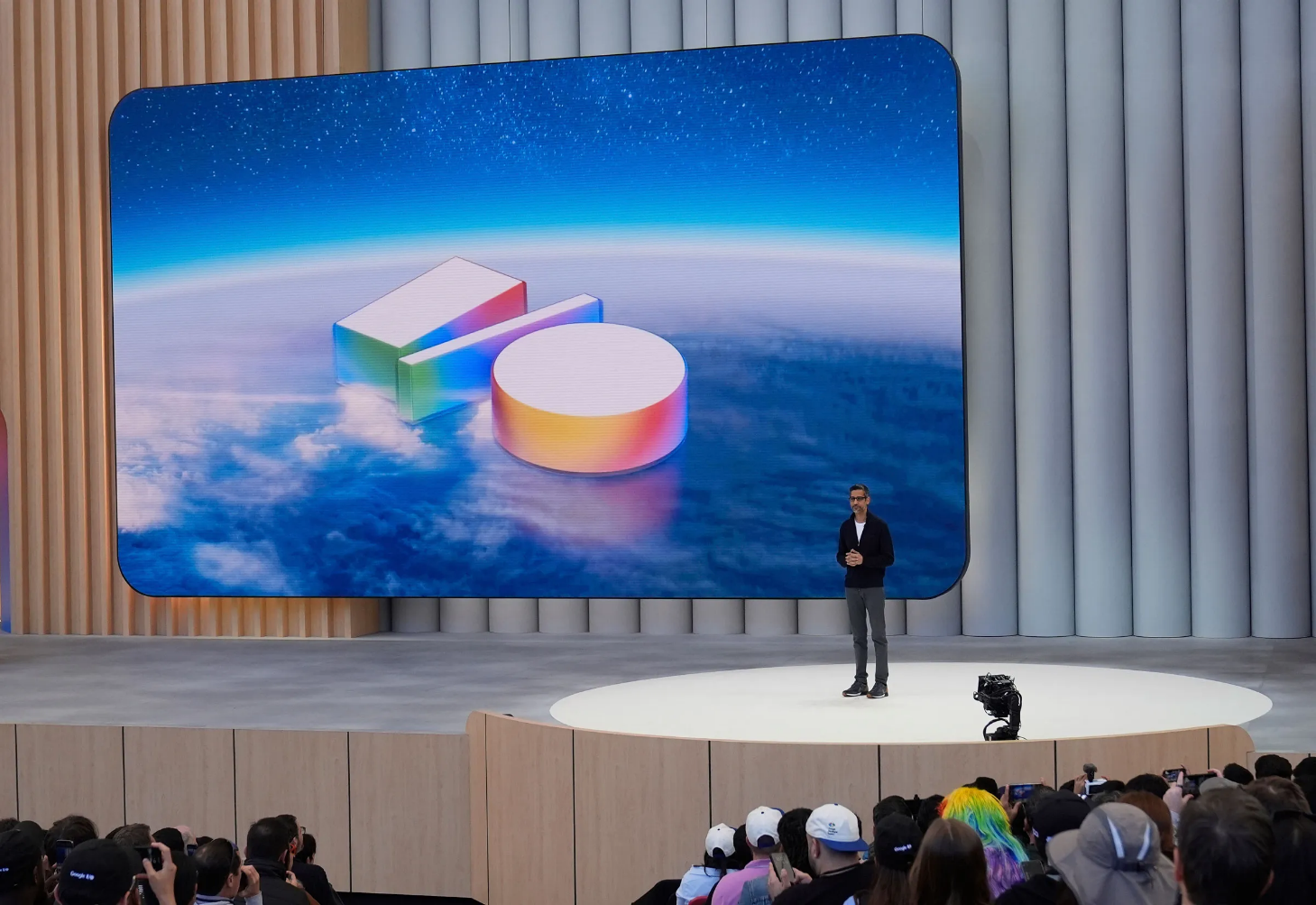
The redesign was first hinted at during Google’s I/O 2026 developer conference, where the company showcased a “Neural Expressive” design philosophy. This approach emphasized fluid, adaptive interfaces that respond to user behavior and environmental cues. The Dynamic Color feature was initially tested in beta versions of Android 14, with feedback from users and developers informing the final implementation.
The Screen Content integration was developed in tandem with Google’s advancements in computer vision and natural language processing. By combining these technologies, the Gemini overlay can now interpret on-screen data more accurately, enabling features like real-time translation, data extraction, and contextual suggestions. The full rollout began in early June 2026, with gradual deployment across supported Android devices.
Stakeholders and Implications
Users stand to benefit most from this update, as the redesigned overlay aims to simplify interactions with AI-driven tools. For example, a user reading a research paper might see highlighted key terms or related articles suggested by the overlay, while a developer working on a codebase could receive contextual debugging tips. These features could significantly enhance productivity, particularly for power users and professionals.
Developers, too, have a stake in the update. The new integration options provide a framework for building apps that can dynamically respond to screen content, potentially leading to innovative use cases. However, the shift may also require adjustments in how developers design their applications to ensure compatibility with the overlay’s adaptive features.
From a competitive standpoint, the update positions Google to challenge other tech giants in the AI interface space. Apple’s recent focus on contextual intelligence in iOS 27 and Samsung’s Material You design language have set high expectations for adaptive user experiences. Google’s Gemini redesign could solidify its reputation as a leader in AI-driven interface innovation.
Real-World Applications and User Feedback
Early adopters of the update have shared mixed reactions. Some users praise the Dynamic Color feature for its aesthetic appeal and improved usability, while others note that the adaptive design can sometimes be distracting. Feedback on the Screen Content integration has been more positive, with users highlighting its utility in tasks like note-taking and data analysis.
One user, who asked to remain anonymous, described the update as “a subtle but meaningful improvement.” They noted that the dynamic color scheme made the overlay feel “more personal,” while the Screen Content feature helped them “quickly find relevant information without switching apps.”
Comparisons and Industry Context
The Gemini overlay redesign echoes trends in the broader tech industry. For instance, Apple’s recent focus on contextual intelligence in iOS 27 includes similar features for its Siri and Spotlight tools. Samsung’s Material You design language also emphasizes adaptive color schemes, though it has not yet integrated real-time screen content analysis to the same extent.

These developments highlight a growing industry focus on creating interfaces that evolve with the user. By making AI tools more responsive to context, companies aim to reduce the need for manual adjustments, thereby improving efficiency. Google’s approach with the Gemini overlay represents a unique blend of visual adaptability and functional intelligence.
Key Takeaways
- The Gemini overlay now features Dynamic Color, which adapts to device wallpapers for a cohesive look.
- Enhanced Screen Content integration allows the overlay to analyze and respond to on-screen data in real time.
- The redesign aims to improve usability and productivity by making AI interactions more intuitive.
- Users and developers alike are encouraged to explore the new features, though some adjustments may be needed for optimal
